# Delete Shared Bandwidth
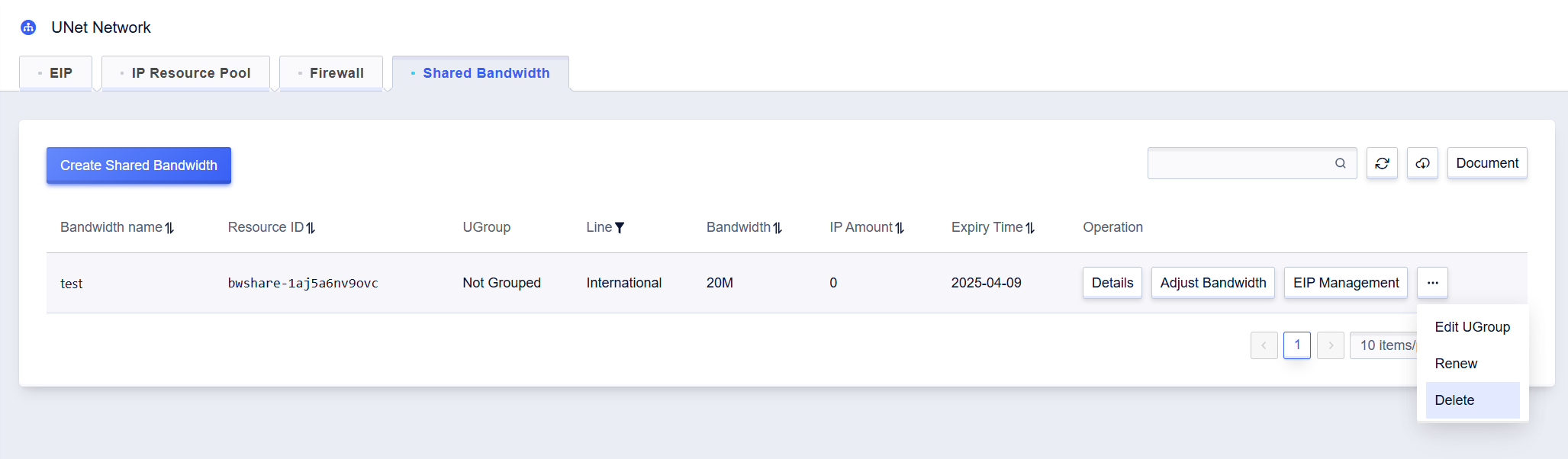
1. On the Shared Bandwidth list page, select the shared bandwidth you want to delete and click **Delete** in the operation field. Or click **Delete** on the details page of the shared bandwidth you want to delete.
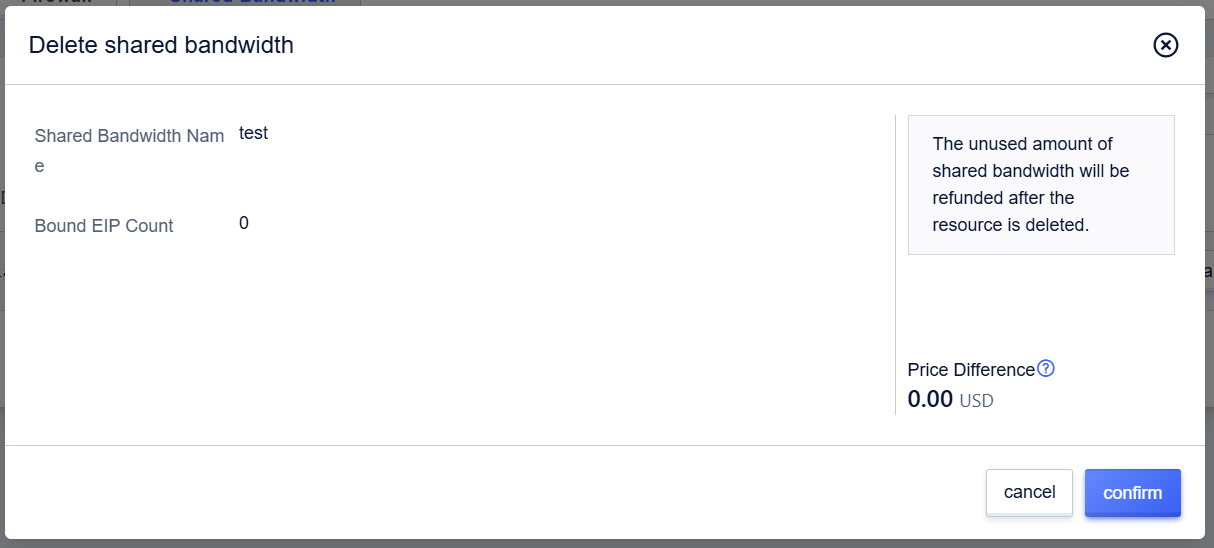
2. In the pop-up **Delete shared bandwidth** prompt box, click **confirm** to complete the deletion of this shared bandwidth.