# Create Shared Bandwidth
> The EIPs included in the Shared Bandwidth will switch from the standard bandwidth/traffic billing mode to the shared bandwidth billing mode.
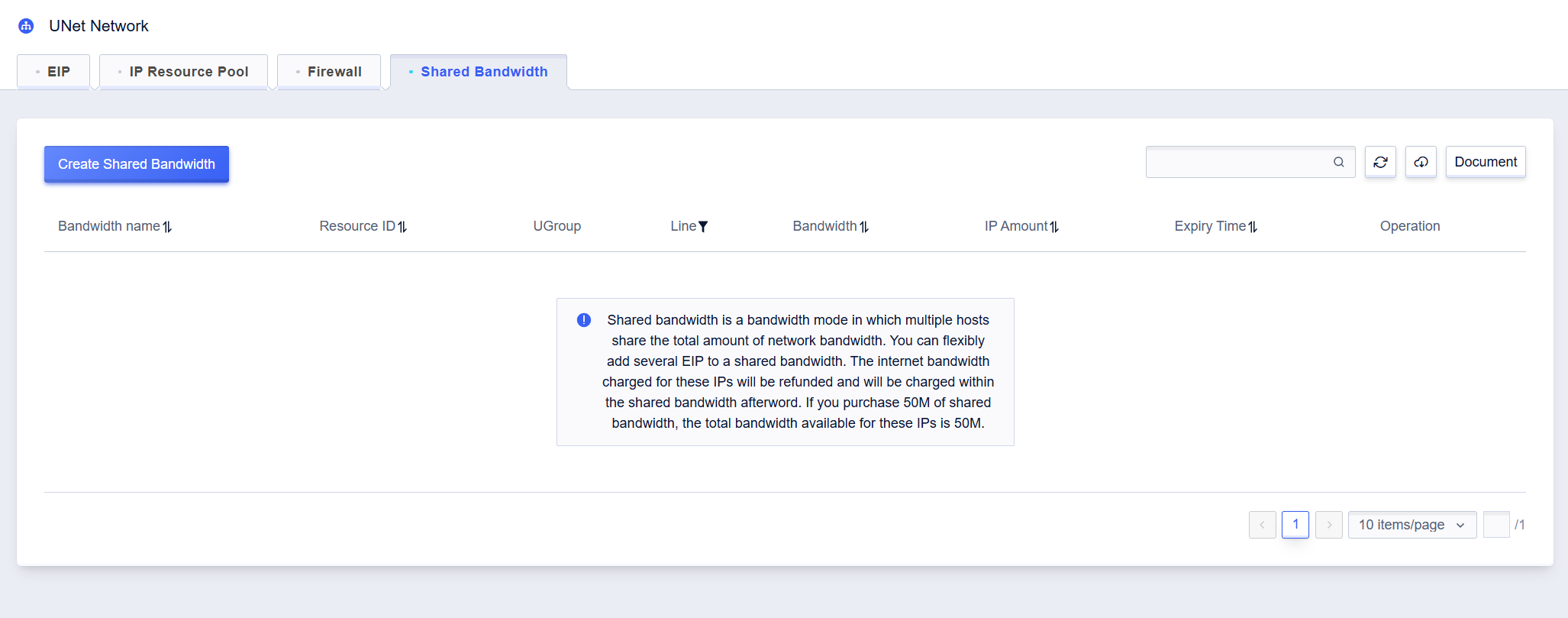
1. In **All Products** -> **UNet Network** -> **Shared Bandwidth** page, click on **Create Shared Bandwidth** to create.
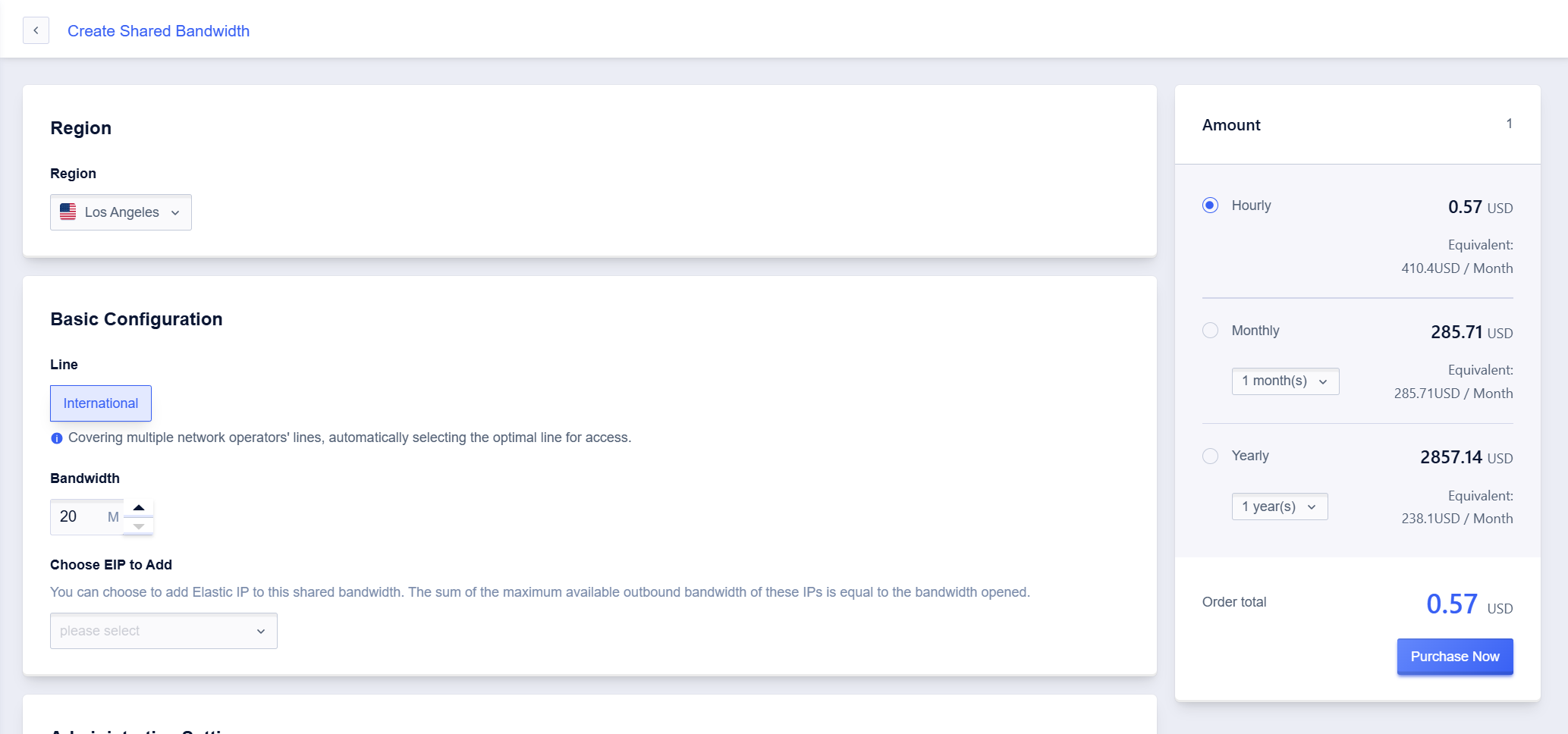
2. On the creation page, select the line and bandwidth value according to the business scenario and choose the EIPs that need to be added to the shared bandwidth. Click **Purchase Now** and go to the payment page to complete the payment.
3. Return to the list page to view the created shared bandwidth.