# Add Record
## Operation Steps
1. Enter the **Domain Name Resolution UDNS** page.
2. Click on **Add Record**.
3. Fill in detailed record information. For detailed configuration description, see below.
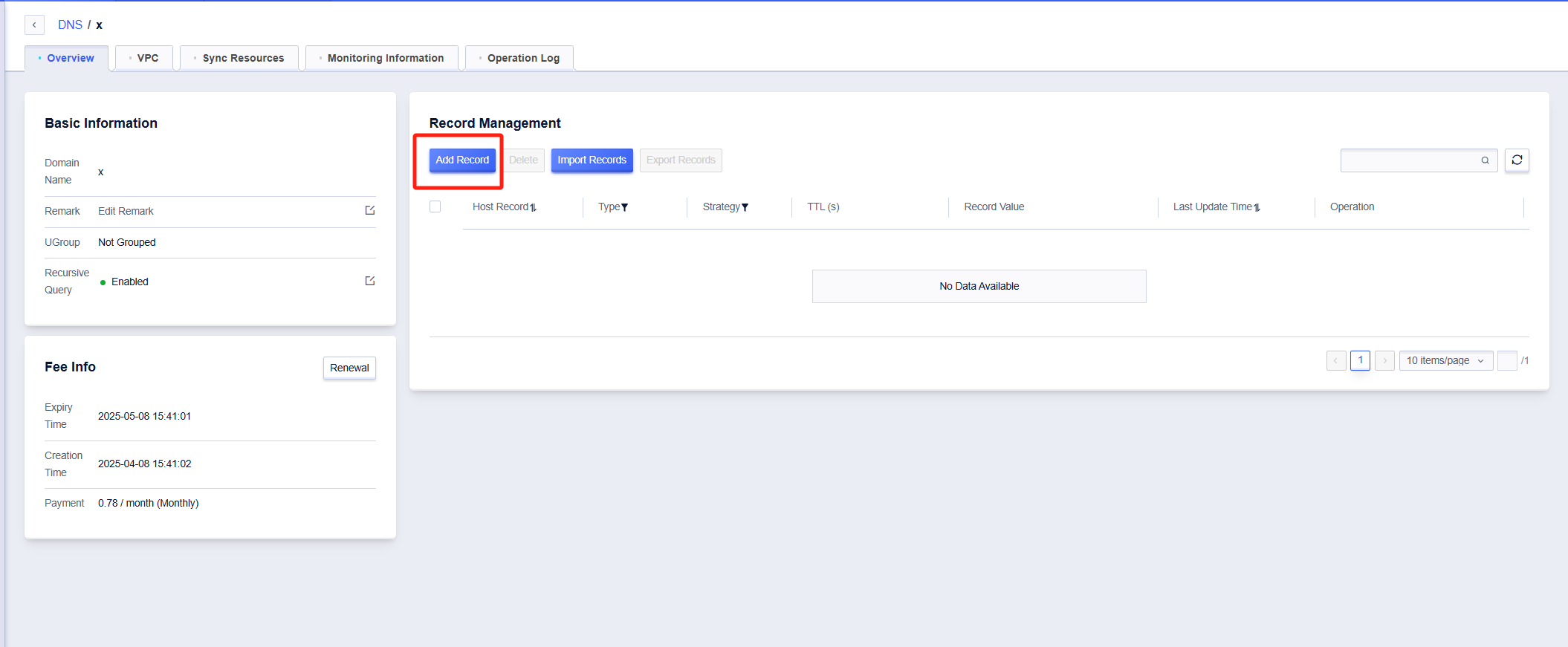
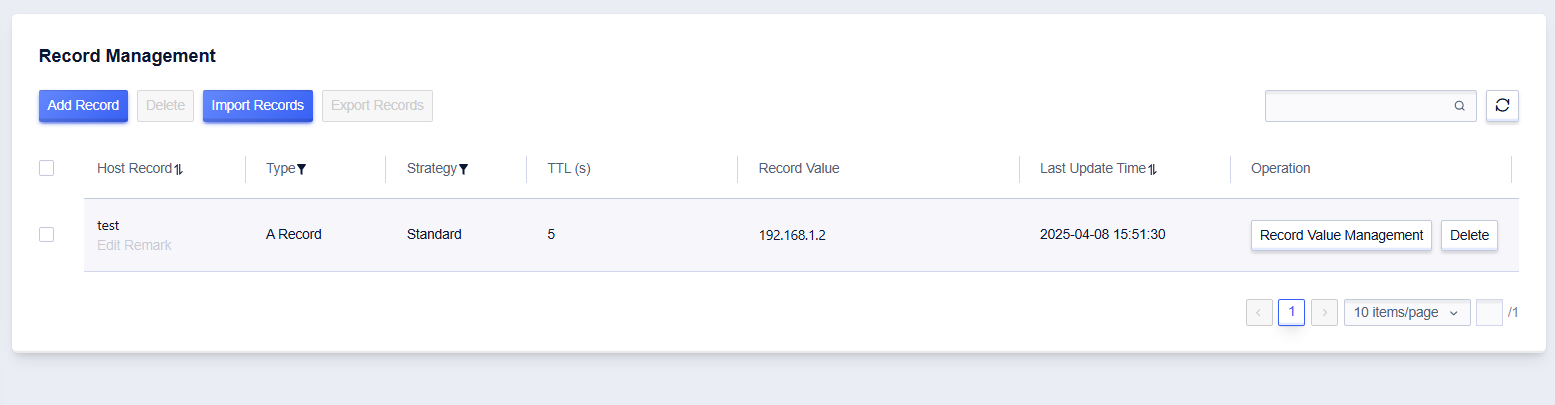
4. Click **Confirm** to successfully add.
## Configuration Description
|Configuration|Description|
|---|---|
|Host Record| Set the master record name of the resolution record.|
|Type| The type of master record. For a detailed type description, please refer to [Record Type Description](/docs/udns/fast/rrtype) |
|Strategy| Supports standard responses and random responses. The standard response returns all set record values, supporting all record types; the random response returns record values randomly according to weight, only supporting A/AAAA record types.|
|TTL| DNS cache time. The supported time range is 5-600s. |
|Remarks| Remarks for the master record. |
|Record Value|The value of the master record.|