## Change the Log-in Email
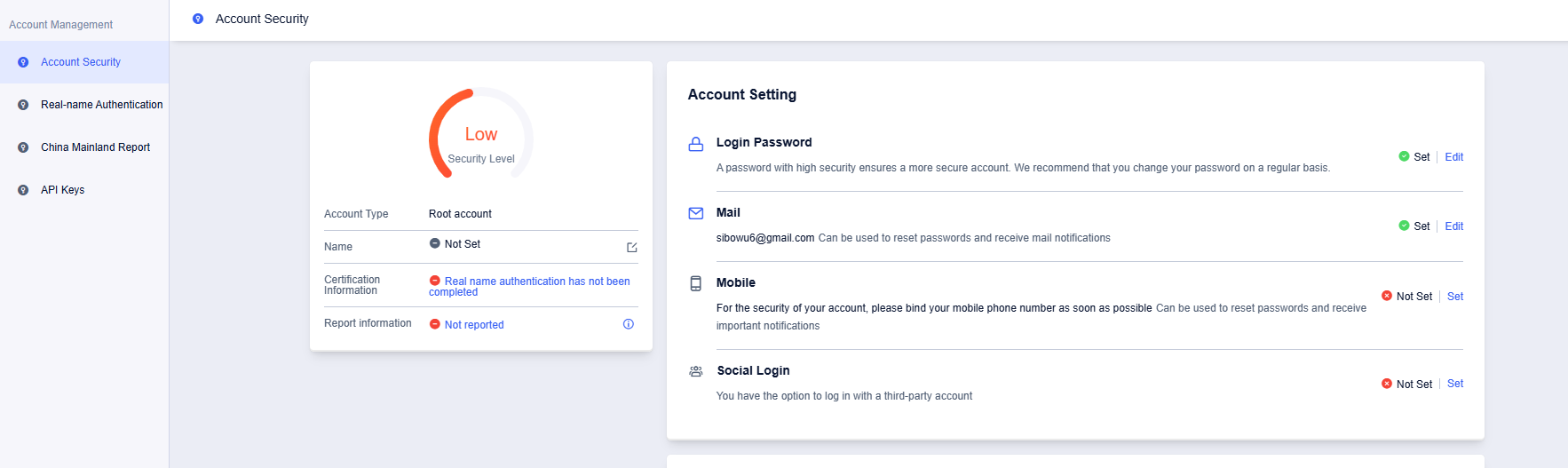
1. Go to Account Security - Account Setting, and click the 'Edit' button in Mail
2. You will receive an email. Fill in the email verification code and click 'Next Step'

3. Fill in the new email address, click the 'Send Verification Code' button, fill in the verification code, and click 'Confirm'

4. You have successfully changed the email