# Create an Acceleration Line
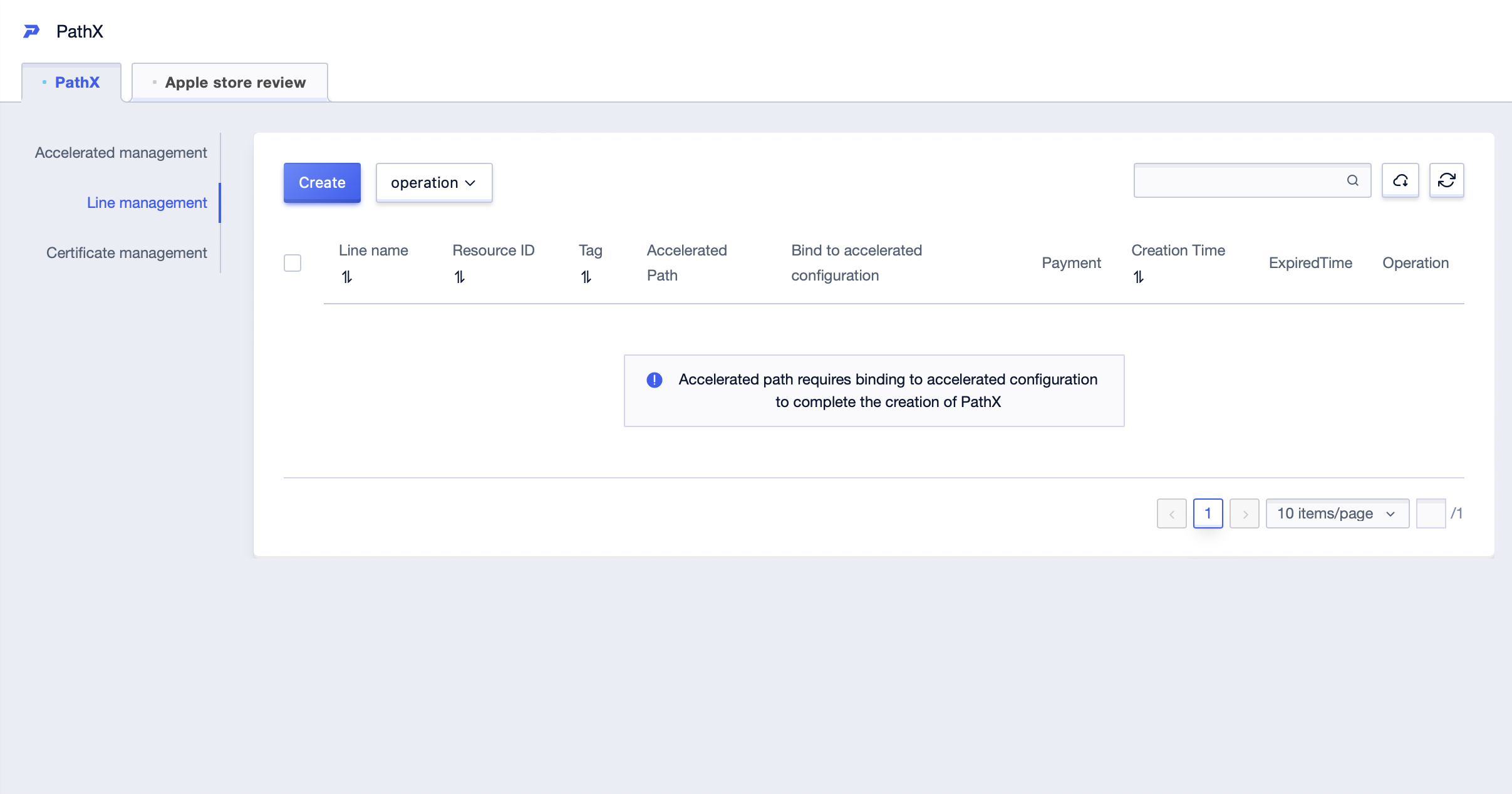
1. On the **All Products -> PathX -> Line management** page, click **Create**.
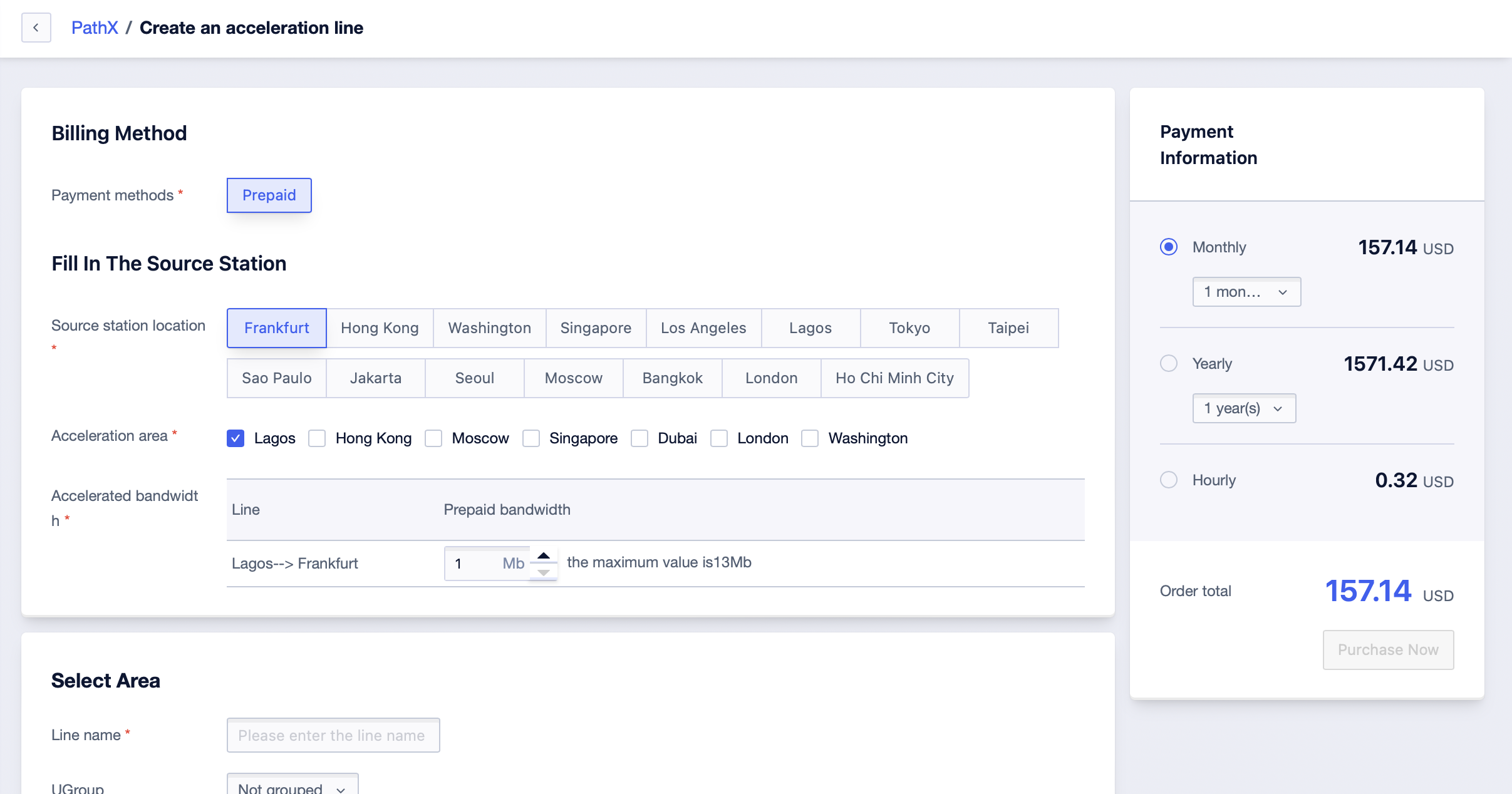
2. On the creation page, select the source station location, acceleration area, and acceleration bandwidth according to the business scenario. Click **Purchase Now** and go to the payment page to complete the payment.
3. Return to the list page to view the created acceleration line.