# Modify the Acceleration Zone
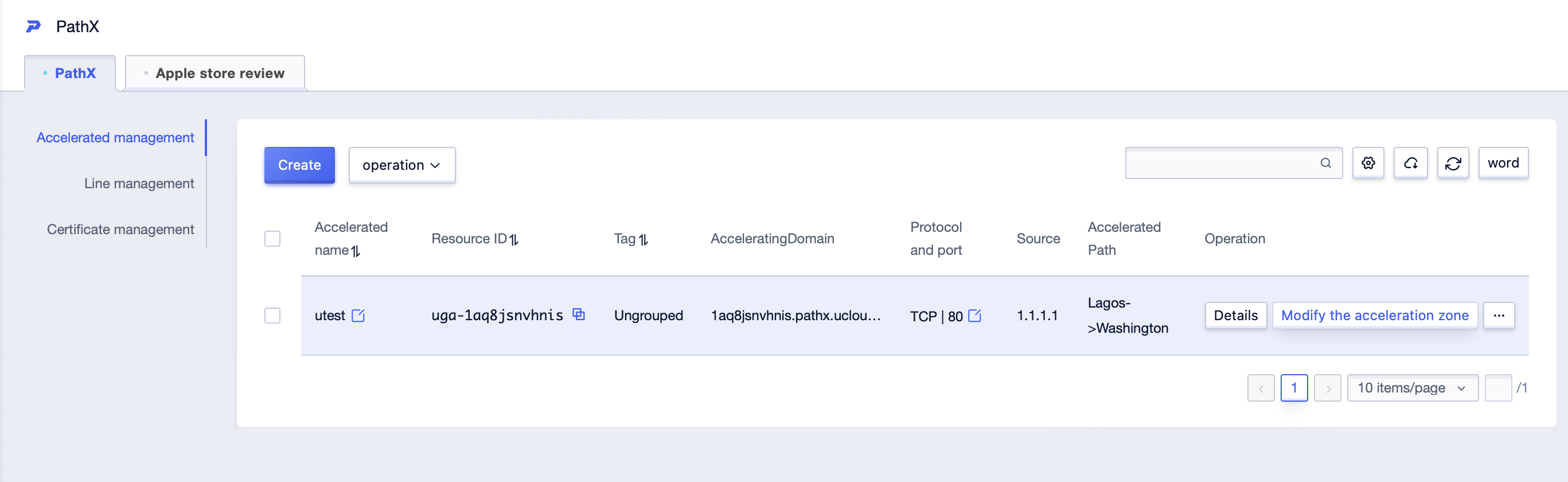
1. In the acceleration management list page, select the acceleration configuration for which you need to modify the acceleration zone, and click **Modify the acceleration zone** in the operation fields.
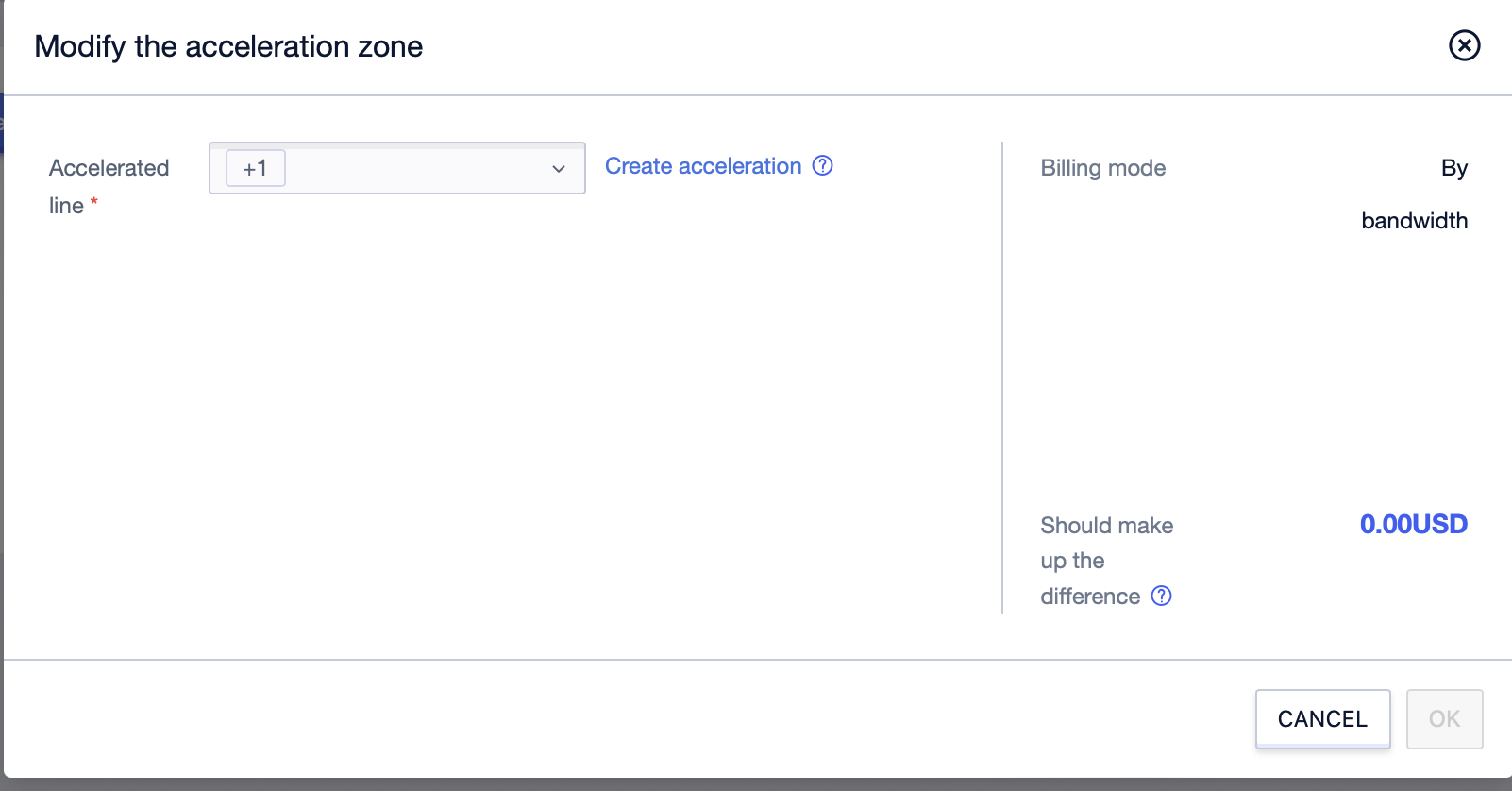
2. In the pop-up **Modify the acceleration zone** window, select an accelerated line and click **OK**.