# Credit Card-User's Manual
## Visit the credit card page
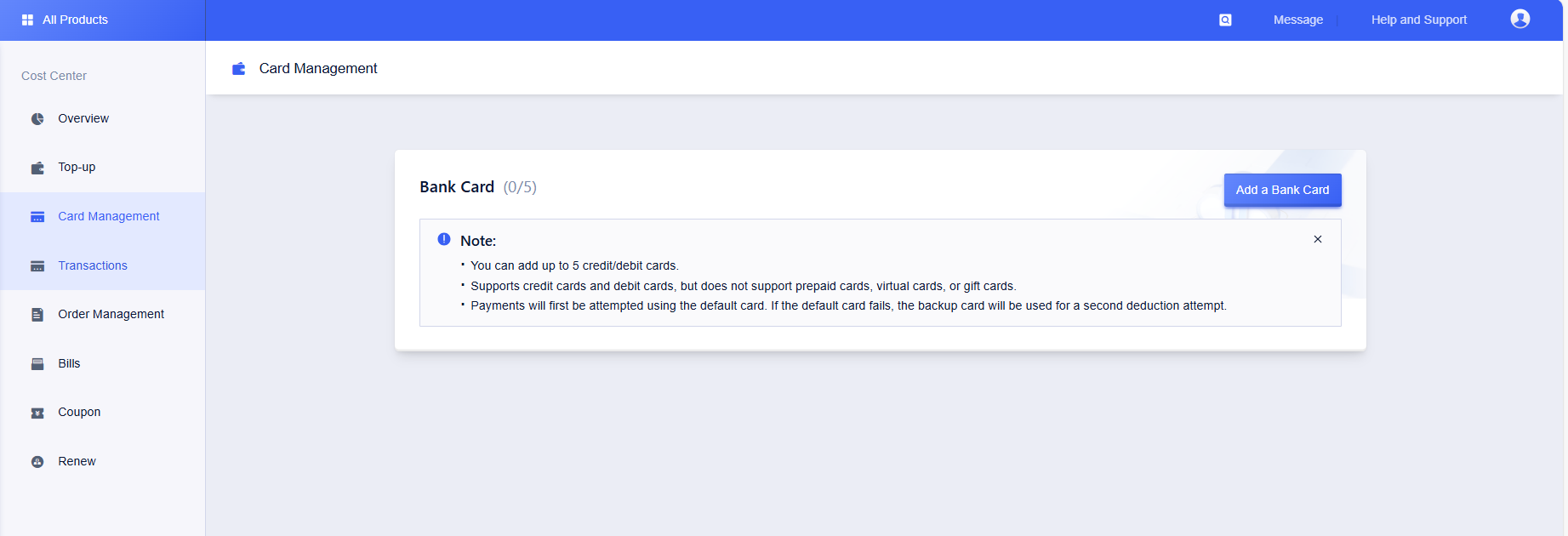
On the [Credit Card] page, you can check, add, delete and set the default credit card. Users need to bind at least one credit card.
### Access Steps:
1. Log in to the Console > UBill > Card Management.
2. This page allows you to view information about all your bound credit cards.
## Add Credit Card
### Operation Steps:
1. Log in to the Console > UBill > Card Management.
2. Click the [Add Credit Card] button to enter the credit card binding page.
#### Step 1: Fill in credit/debit card information
- Enter your credit or debit card information (card number, expiration date, CVV code, etc.).

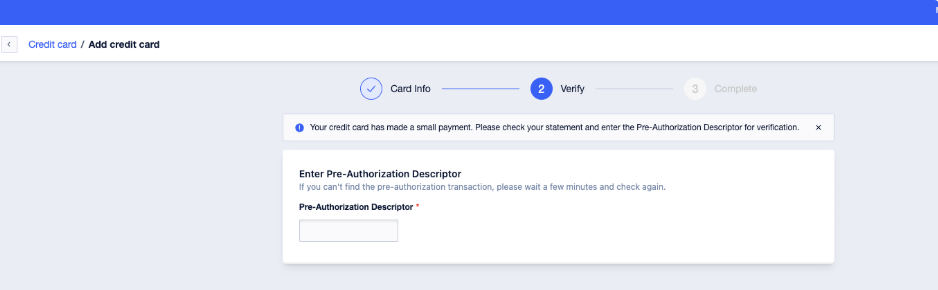
#### Step 2: Verify Identity with Pre-Authorization Descriptor
- After submitting your card details, UCloud Global will pre-authorize a **$1** freeze on your card.
- You can find the **pre-authorization descriptor** in the transaction details of your bank statement in the corresponding bank card app (for example, in China Merchants Bank, the format of the descriptor is **“D+6 digits”**, e.g. **D123456**).
- Enter the pre-authorization descriptor code from your billing statement on the platform and verify that it passes to successfully bind your credit card.
**Note**: After successful verification, the credit card will be automatically added to your account.
## Setting the Default Card
Default card can be realized after:
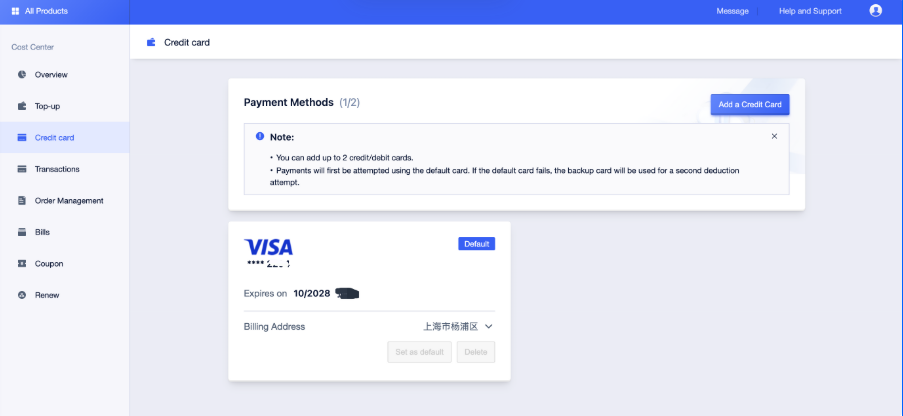
1. **Payment Priority**: when placing an order, priority is given to using the default card to debit the payment, and if it fails, the standby card will be used.
2. **Auto-renewal rules**: when the order is renewed, the system prioritizes deducting the account balance; when the balance is insufficient, priority is given to using the default card to debit, and if it fails, the standby card will be used.
### Operation Steps:
1. Log in to the Console > UBill > Card Management.
2. Select the target credit card and click the [Set as Default Card] button.
## Delete Credit Card
**Note**: At least one credit card needs to be retained on the account. If only one card is bound, it cannot be deleted.
### Operation Steps:
1. Log in to the Console > UBill > Card Management.
2. Select the credit card to be deleted and click the [Delete] button.
## Payment by credit card
### Example: Purchasing a cloud server
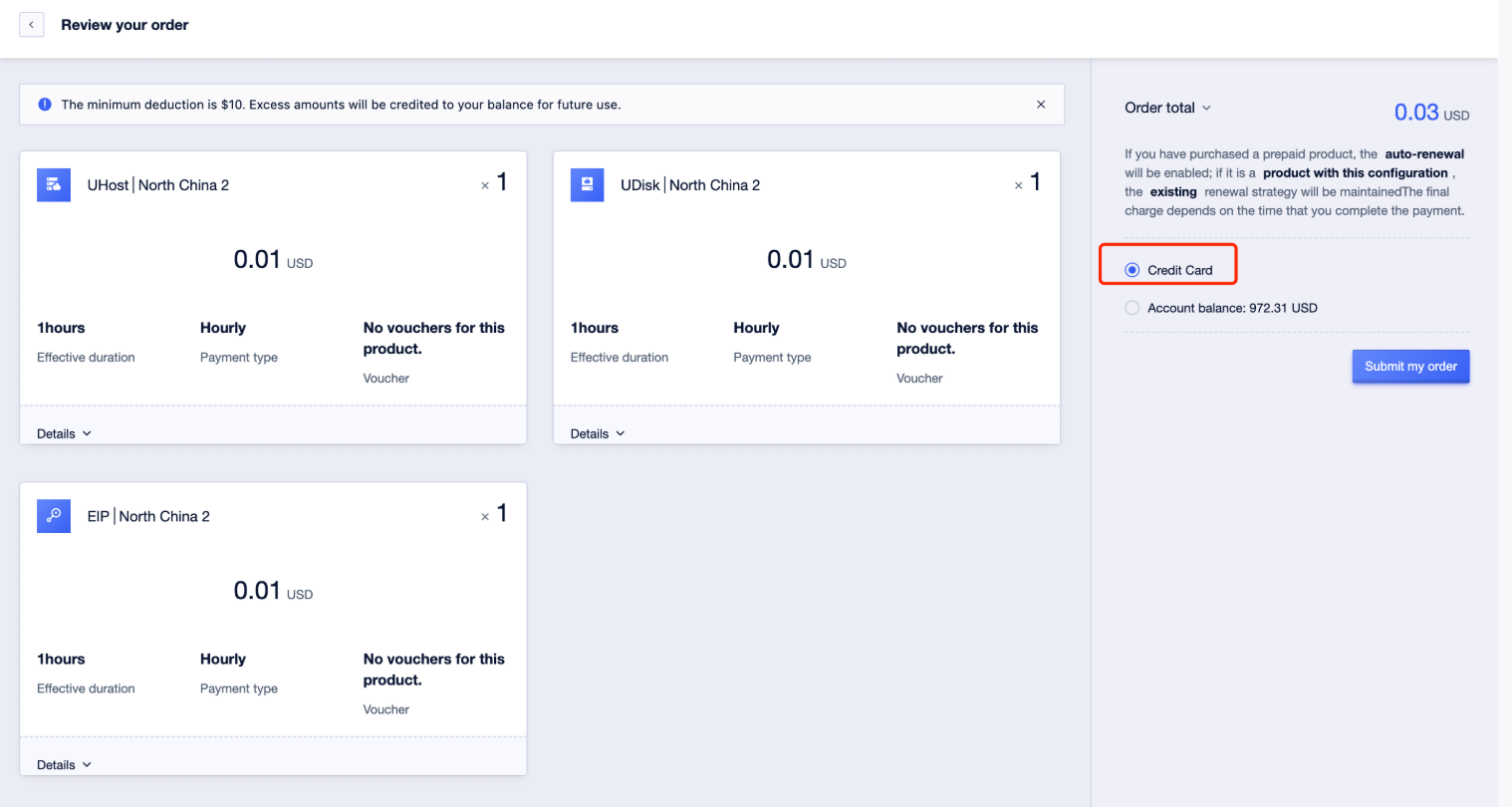
- Select [Credit Card Payment] on the order confirmation page.
- The system will prioritize charging the payment from the default card, and if it fails, the alternate card will be used for payment.